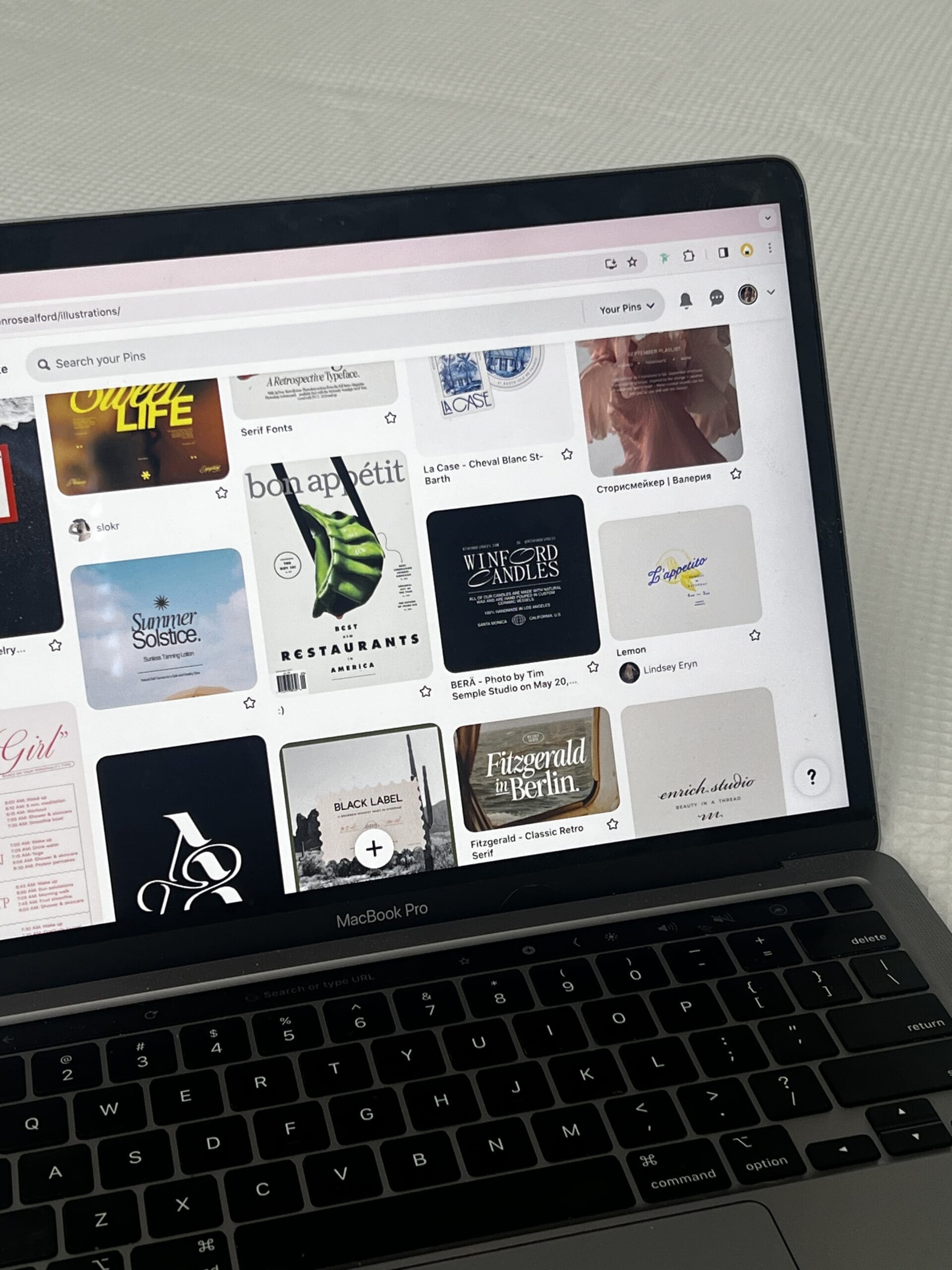
Your Website Launch Checklist: Everything to Review Before You Hit Publish
Your website launch checklist is more than a final step. It’s the moment your digital home is ready to welcome people in. And even if you feel like you’ve covered everything, a clear checklist helps you move forward with confidence. Because when you’re this close to launch, small details matter. They shape how your work is seen, felt, and trusted.
Let’s walk through what to review before you hit publish so your site feels aligned, refined, and ready to support what’s next.
But first, hello, and welcome. I’m Mikayla, founder of Haus of Mae Design Studio. I design thoughtful, strategy-led websites for creative business owners who are ready for their online presence to match the level they’ve grown into. If you’re in a season of refinement or ready for a fresh start, this space is here to support you. You can explore the portfolio or join the newsletter to see how this work comes to life across real brands.

Why a Launch Checklist Matters (Even If You Think You’ve Covered Everything)
It’s easy to assume you’re done once the design looks good and the pages are filled.
But a website is more than what you see. It’s how everything works together. Your words, visuals, structure, and backend all need to feel cohesive. That’s what builds trust.
A strong website launch checklist gives you a clear path. It helps you catch what’s easy to miss. And it lets you launch knowing your site is not just finished, but intentional.
If you’re choosing a platform for your next website, read Showit vs Squarespace: Which Platform Is Right for Your Creative Business? for a clear, side-by-side look at what fits best.
Content and Copy: What to Double-Check Before Going Live
Start with your words. They carry your message and guide your reader through your site. Read every page out loud. This helps you hear what feels natural and what doesn’t.
As you review, look for:
- Clear headlines that say what you do
- Simple, direct sentences that are easy to follow
- Consistent tone across every page
- No spelling or grammar errors
- Calls to action that feel natural and clear
Ask yourself this: Does each page guide someone forward? Your website should feel like a conversation. It should meet your reader where they are and gently lead them to the next step. If something feels off, refine it. Small shifts can create a stronger sense of clarity and alignment.
Design and User Experience: Making Sure Everything Feels Cohesive
Next, step into your site as if you’re seeing it for the first time. Your design should feel calm, clear, and easy to move through. Not crowded or confusing.
Click through every page and check:
- Is your layout consistent?
- Do your colors and fonts feel aligned?
- Are your images high quality and placed with purpose?
- Is it easy to know where to go next?
Then test it on both desktop and mobile. A beautiful design means very little if it doesn’t work well on a phone. Most people will view your site that way first. Your goal is simple. Every part of your site should feel like it belongs. That’s what creates a sense of cohesion and trust.
If you’re deciding what kind of site fits your next step, read Custom Website vs Template: How to Know What You’re Ready For for a clear, grounded breakdown.

SEO Foundations: Setting Your Site Up to Be Found
SEO helps people find your site through search, but it doesn’t need to feel complicated. Start with a strong, simple foundation. Each page should have a clear title and meta description that reflect what it’s about.
Your focus keyword, such as “website launch checklist,” should feel natural within your content. Add alt text to your images so they’re clear and accessible. Keep your URLs clean and simple, and make sure your pages load without delay.
Think of SEO as quiet support. It works behind the scenes to bring the right people to your digital home.
Legal Pages and Compliance: The Non-Negotiables
This is one step you don’t want to skip. Every website needs key legal pages to protect both you and your visitors.
At a minimum, make sure you have:
- A Privacy Policy
- Terms and Conditions
- A Disclaimer (if needed for your business)
These pages build trust and show that your business is well set up.
If you’re not sure where to start, I recommend reading the blog post “Legal Website Pages And Why You Need Them.” It breaks this down in a clear and simple way.
You can also explore resources from The Legal Paige for templates that are designed for online businesses.
Technical and Backend Essentials: The Behind-the-Scenes Details
Now let’s look at what’s happening behind your site. These details may not be visible, but they matter just as much.
Before you launch, check:
- All links work and lead to the right pages
- Your contact forms are sending and receiving messages
- Your email integrations are connected
- Your domain is set up correctly
- Your site is secure (HTTPS is active)
- Google Analytics or tracking tools are installed
It’s also a good idea to test your full client journey. Fill out your own form. Click your own buttons. Walk through your site as a user would. This step brings everything together. It ensures your site not only looks good but also works well.
If you’re weighing your next step, read DIY vs Hiring a Designer: How to Know What You’re Ready For for a clear, honest look at what fits right now.
Website Launch Checklist: After You Hit Publish
Once your site is live, give yourself a moment to take it in. Then shift into gentle observation.
During your first week, focus on checking for any small errors you may have missed and watching how people move through your site. Take time to test your forms again and make sure everything is working as it should. It’s also a good time to begin sharing your site with your audience so it can start to be seen and used.
You don’t need to change everything right away. Instead, notice what’s working and where people seem to pause or drop off. This helps you make thoughtful updates over time. Your website is not a one-time project. It’s something you refine as your business grows.
If you want to make a strong first impression, read 5 Things Your Website Needs to Build Trust in Under 10 Seconds to see what actually matters right away.

Want Someone to Handle the Details for You?
If this website launch checklist feels like a lot, that’s a natural part of the process.
There’s a point where it makes sense to have support. Not because you can’t do it, but because your time and energy are better spent elsewhere.
If you’re still in the prep phase, you can start with The Website Prep Hub. It’s a free guide that helps you get everything organized before your build begins.
If you want hands-on support, you can explore Office Hours or The Studio Intensive. These options give you space to ask questions, refine your site, and move forward with clarity.
And if you’re ready for a fully managed experience, The Signature or The Custom offers a complete brand and website design. Everything is built with intention, so your online presence feels like a true reflection of your work.
There’s no rush. Just thoughtful decisions, made at the right time.
Your Website Launch Checklist, Complete and Ready
A thoughtful website launch checklist helps you move forward with clarity, not guesswork. It brings every piece of your site into alignment so your digital home feels clear, cohesive, and ready to support what comes next. A
As you prepare to launch, trust the process, refine what needs attention, and let your site reflect the level you’ve grown into. When everything feels in place, you’re not just publishing a website. You’re opening the door to what’s next.
If you’re ready to talk it through, you can reach out at any time. You can also connect on Instagram if you want a more casual place to start or have a quick question. Sometimes a simple conversation is all it takes to bring clarity to your next step.